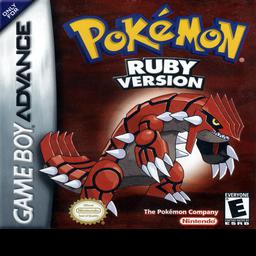
Loading Pokemon Ruby...
WASD or ↑←↓→ D-Pad
K A J B Q L E R
Enter Start RShift Select
F5 Save F7 Slot F9 Load Double-click canvas for fullscreen
Loading Pokemon Ruby...
Play Pokemon Ruby online free — Hoenn region, double battles, Groudon vs Team Magma. No download, saves on mobile.
Play Pokemon Ruby Online is a free browser-based GBA emulator experience on EggerMath. No download, no signup — click Play and the game loads via mGBA WebAssembly at 240×160, pixel-perfect. Use WASD or Arrow Keys for D-Pad, K for A, J for B, Q/L and E/R for shoulders, Enter for Start, Right Shift for Select. Save instantly with F5 (10 slots, F7 to switch) and load with F9; progress is cached in IndexedDB so you can resume offline after the first load. Pokemon Ruby is a RPG title from 2002 by Game Freak, part of the Pokemon series, playable here with touch controls on iOS/Android and save states that persist in your browser.
Open this page on Safari, tap to start. Touch controls appear automatically. Save via Save button — works offline after first load.
Yes, Pokemon Ruby is free on EggerMath via browser mGBA emulator. No download, no signup.
Click Save (F5) and Load (F9). 10 slots via Slot button / F7. Stored in browser.
D-Pad: WASD/Arrows, A: K, B: J, L: Q, R: E, Start: Enter, Select: Right Shift. Mobile: touch controls.
Yes. Tap Export in the controls bar to download a .sav file, and Import to restore it. Note: clearing browser/site data erases saves stored in the browser, so export anything you care about.